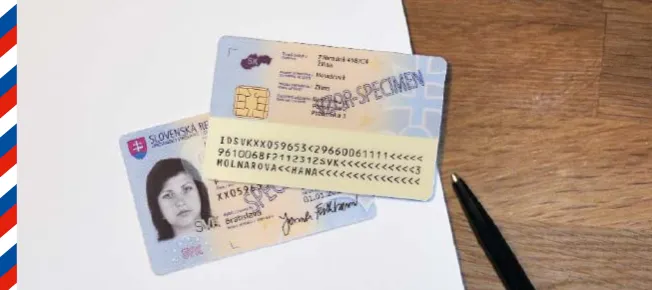
If you already have a Slovak residence card with an electronic chip, keep four things separate. The residence card is the physical electronic credential; BOK is the six-digit personal security code used to authenticate with it; eID online login is the process of using the card, BOK, card reader, and eID software to enter Slovensko.sk; and KEP/QES is a qualified electronic signature that requires signing certificates and signing software. BOK enables authentication, but it is not an electronic signature.
The practical goal is not just to “activate BOK”. The goal is to make sure your residence card can log in to Slovensko.sk, open your electronic mailbox, and use online public services before you have a tax, residence, vehicle, company, or official-message deadline.
Where to activate BOK as a foreigner
| Your situation | Where to start | What to say |
|---|---|---|
| You are applying for or collecting a residence card with chip | Foreign Police Department handling your residence card | Ask to set the BOK and, if needed, signing certificates while handling the card. |
| You already have a residence card with chip but no BOK | Foreign Police Department according to Slovensko.sk guidance | Say you need to set the personal security code, BOK, for a foreigner’s residence card. |
| You are in Bratislava | Klientske centrum Bratislava – Zlate Piesky for activation of foreign residence documents for electronic services | Ask for activation of the residence document and BOK for electronic services. |
| You are outside Bratislava | Your relevant Foreign Police office first; check whether a nearby client centre or document department can handle the service before travelling | Ask whether they handle BOK setup for foreign residence cards, not only Slovak citizen ID cards. |
| You can log in but cannot sign submissions | Ask the office or Slovensko.sk helpdesk about qualified electronic signature certificates | BOK is for login. Signing may require KEP/QES certificates and signing software. |
For Bratislava, the Ministry of Interior announced that from 25 May 2026 activation of foreigners’ residence documents for electronic services is handled only by Klientske centrum Bratislava – Zlate Piesky. Public listings commonly show this client centre at Studena 4/B, 821 04 Bratislava, OC STYLA, entrance A, 2nd floor. Because office routing changes, verify the current address, hours, and whether you need a ticket or appointment before travelling.
What to bring
- Your residence card with electronic chip.
- Your passport or other identity document used for residence procedures.
- Appointment confirmation or ticket if the office requires one.
- A Slovak phone number or email, if you will also set up account or mailbox access later.
- Questions written down in Slovak or English: “I need to activate BOK for my residence card” and “Do I also need signing certificates?”
Slovensko.sk says setting BOK for an existing chip residence card at the Foreign Police Department is free of charge. If you are applying for a residence card with chip itself, Slovensko.sk lists an administrative fee for issuing the card, so separate the card fee from the BOK setup question.
What happens at the office
- The officer verifies your identity and the residence card.
- You set a six-digit BOK. Do not use your date of birth, repeating digits, or a number written in your notes.
- Ask whether your card is now activated for electronic services and whether you also have signing certificates.
- Ask what to do if the code is forgotten or blocked. Do this while you are still at the counter.
- Keep any confirmation paper, but do not write the BOK on it.
If the officer says only login is enabled, that may be enough for checking your mailbox or entering Slovensko.sk. It may not be enough for submitting forms that require a qualified electronic signature.
After BOK: test it at home
Do not wait until a deadline. Test the card the same week.
- Download the official software from the Slovensko.sk Download page: eID client for login, card-reader drivers, and signing software if you need electronic signatures.
- Use a compatible card reader unless you have an officially activated mobile login method.
- Go to Slovensko.sk and try to log in with the card and BOK.
- Open your electronic mailbox area and check whether access works.
- If you need to submit something, test whether the service asks only for login or also for a signature.
Slovensko.sk says the Slovensko v mobile application can be used for logging in only after installation and initial activation and pairing with the eID card. Treat mobile login as a convenience after your card access works, not as a replacement for setting BOK.
What you can do with BOK
With a working residence card, BOK, card reader or activated mobile method, and the required software, you can use Slovensko.sk for electronic communication with Slovak public authorities. Exact availability depends on the service, but Slovensko.sk lists e-procedures and electronic submissions, including services such as Commercial and Trade Register matters, Real Estate Cadastre, vehicle registration, and Ministry of Labour social-benefit services.
| Task | BOK enough? | What to check |
|---|---|---|
| Log in to Slovensko.sk | Usually yes, with a compatible residence card and software | Card chip, BOK, eID client, card reader or activated mobile login. |
| Read or enter your electronic mailbox | Login is needed, but foreigners may need to request or activate mailbox access | Read LovinSK’s electronic mailbox guide and check Slovensko.sk mailbox rules. |
| Send a general electronic submission | Sometimes login is enough to start; signing may still be required | Whether the specific authority requires KEP/QES. |
| Register a vehicle or handle transport services online | BOK can get you into the service; the final step may require signing | Check the service instructions before relying on online-only handling. |
| Tax, business, or company matters | Login may be only the first step | Tax portal access, authorisations, company role, and electronic signature requirements. |
BOK, KEP, mailbox, and card reader are different
- BOK: the six-digit security code used for authentication.
- Residence card with chip: the physical card that can identify you electronically.
- Card reader: hardware used by a computer to read the card. Slovensko.sk says a smart card reader may be obtained free at a document department.
- eID client: software for login.
- KEP/QES: qualified electronic signature. You may need it for signed submissions.
- Electronic mailbox: the government message inbox used for official electronic communication.
Common problems and practical fixes
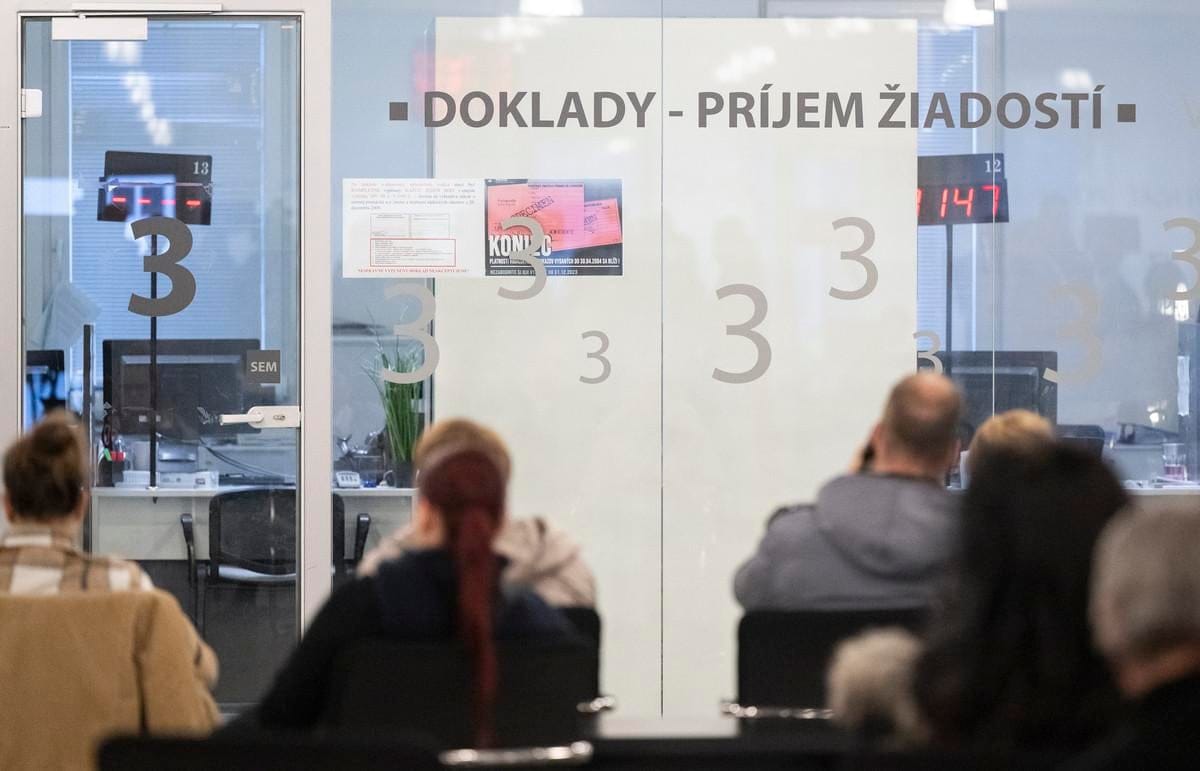
- You are told to go somewhere else: ask the officer to confirm whether they mean Foreign Police, a document department, or a client centre. In Bratislava, check the Zlate Piesky route before going to another office.
- You can log in but cannot submit: the service may require KEP/QES. BOK alone does not create a qualified signature.
- The software cannot read the card: reinstall the eID client and card-reader drivers from the official download page. Try another browser only after checking the official software requirements.
- You forgot BOK: do not guess repeatedly. Ask the correct office how to reset or set a new code.
- You are a company director: mailbox and company representation can require extra authorisation or an alternative authenticator. Do not assume your personal residence card automatically gives company access.
Useful next steps on LovinSK
- For addresses and office planning: Slovakia Foreign Police Offices.
- For official messages: Using Slovakia’s Electronic Government Mailbox.
- For tax-related use cases: Slovakia Tax Return for Foreign Employees.
- For vehicle services: How to Register an Imported Car in Slovakia.
Fact check: sources used
Reviewed on 22 June 2026. Slovensko.sk residence-card guidance says foreigners need a residence card with electronic chip for mailbox access, can apply at the nearest Foreign Police Department, set BOK while applying for the card, and can set BOK free of charge at the Foreign Police Department if they already have a chip card without BOK. Slovensko.sk Start now explains that BOK is required for login, signing certificates enable KEP, eID client and drivers are installed from the Download section, and electronic services include e-procedures and electronic submissions. The Ministry of Interior announcement says that from 25 May 2026 activation of foreign residence documents for electronic services in Bratislava is handled only by Klientske centrum Bratislava – Zlate Piesky.